ADP Workforce Now - Required Permissions
Last updated: June 24, 2026
To connect your ADP Workforce Now account to this application you must be assigned the Security Master or Security Admin role. Please follow the instructions below to confirm your permissions.
Instructions
Log into ADP Workforce Now
Navigate to Setup > Security > Security Management
This will open a new page
Your security role is listed at the top of the page
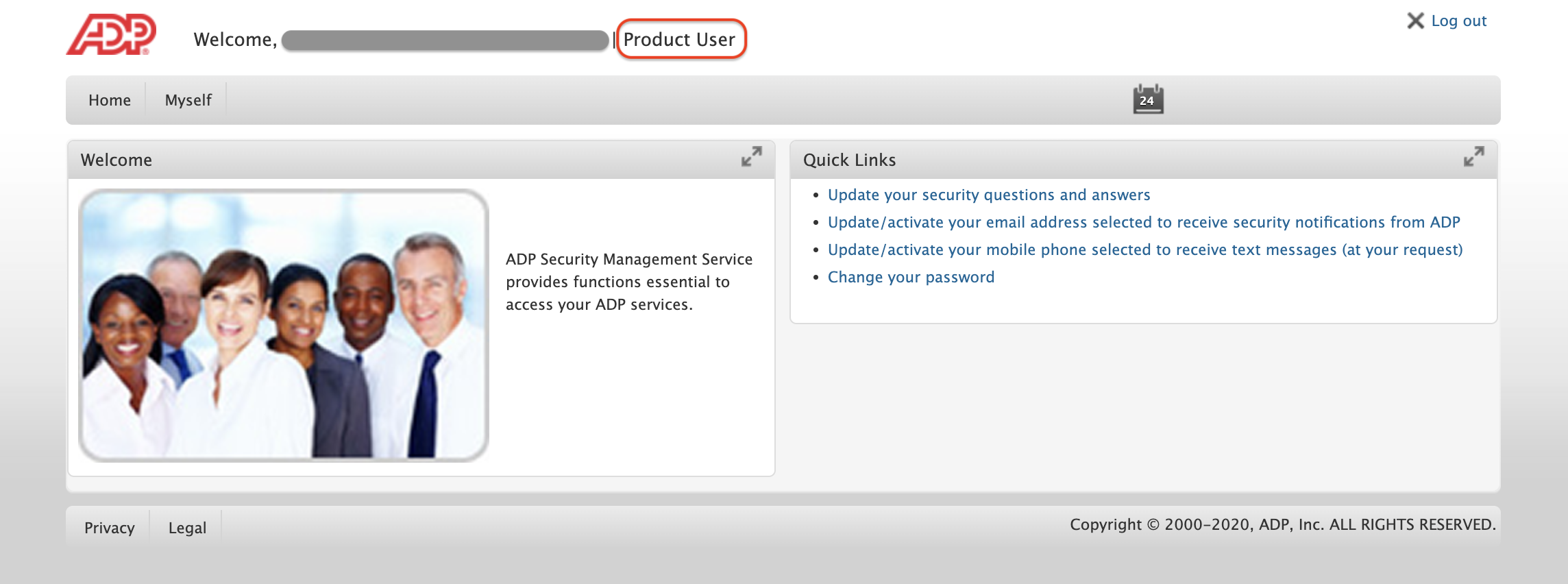
Note: If you are not assigned the Security Master or Security Admin role (for example, if you are a Product User), you will not be able connect your account. Please either update your security role or identify someone at the organization with the correct permissions.