Warp - Create an API Token
Last updated: August 3, 2026
To connect your Warp account to this application you must create an API token. Once you create an API token in Warp, you will provide the API token and your Company Name in Finch Connect.
Instructions
Log into https://app.joinwarp.com/
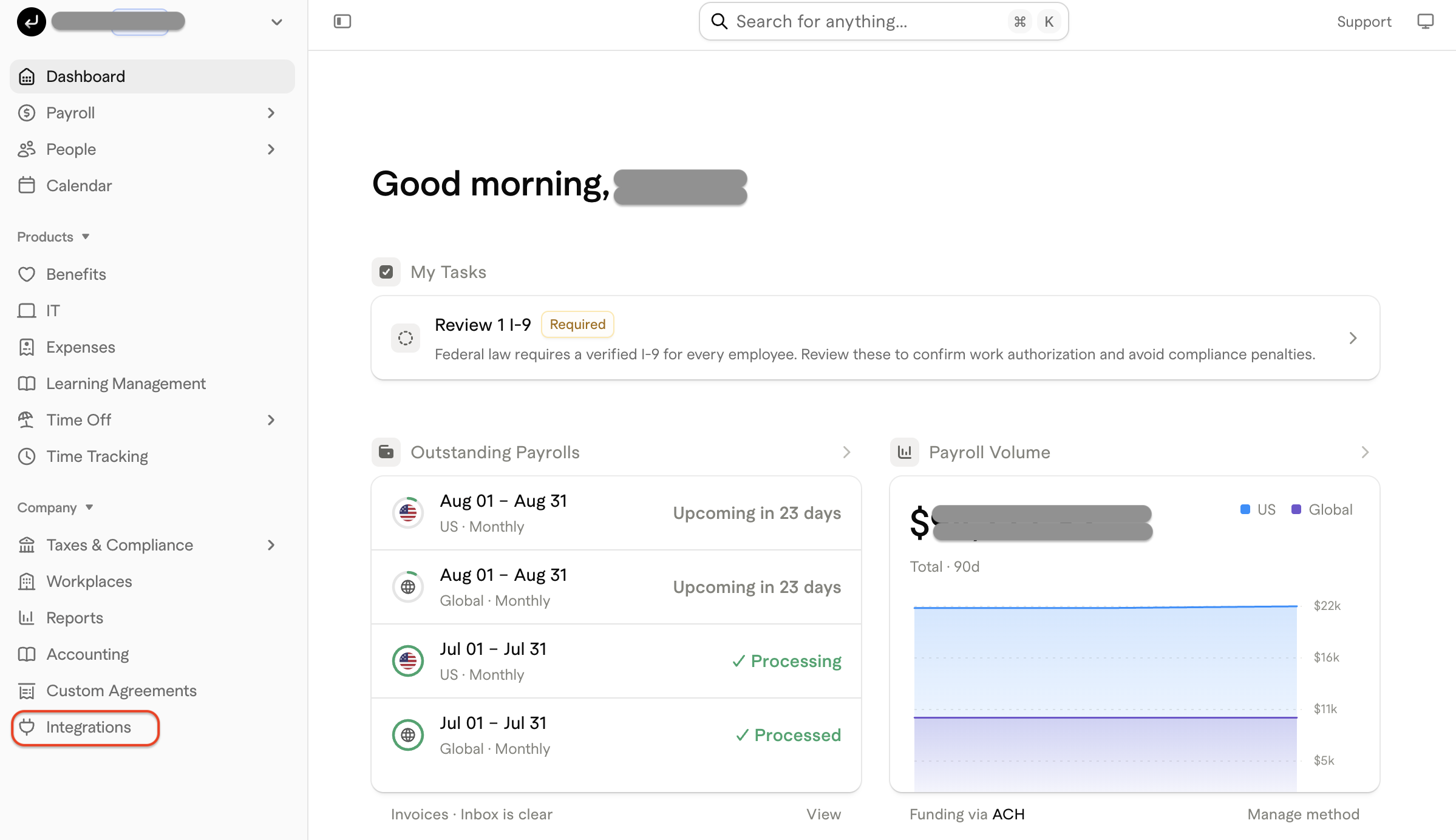
Click on Integrations at the bottom of the lefthand menu
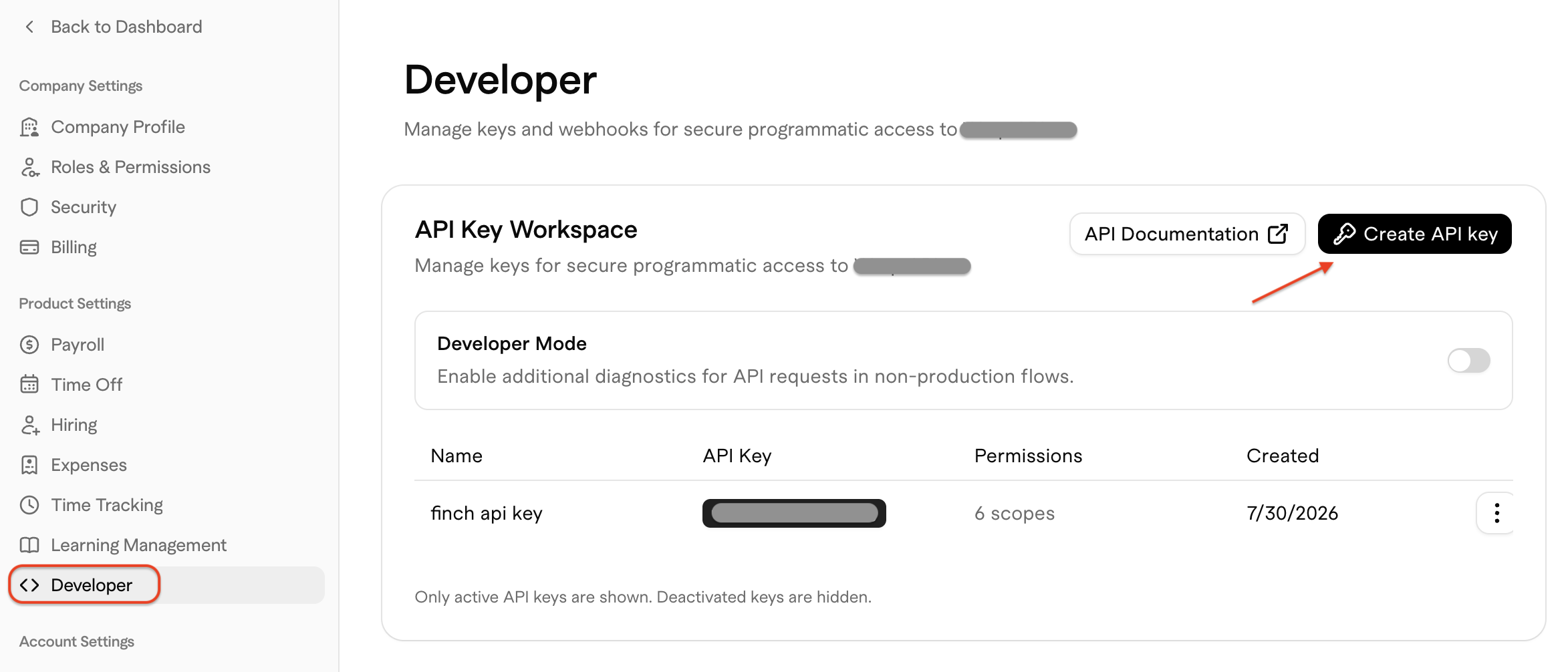
Click on Developer in the lefthand menu, then Create API Key
Enable READ access for the following scopes:
Employee and Contractor Profiles
Global Compensation
US Compensation
Worker PII
Departments
Workplaces
Select NONE for all other scopes
Click Create Key
Copy the API Key into Finch Connect along with your Company Legal Name