Finch Connect | What to Expect
Last updated: July 11, 2025
To set up your HR or payroll integration, you'll need to authenticate using Finch Connect. To authenticate successfully, you must be an administrator in your HR or payroll system.
Authentication is how we verify that you’re authorized to access your HR or payroll system—similar to logging in as an admin. It ensures that only the right people can grant access to sensitive data.
What to Expect
Finch Connect will guide you through the process of connecting your HR or payroll system step by step. Your instructions will depend on the system you’re connecting and the type of data being requested.
Below are a few scenarios you may encounter.
Automated User Setup
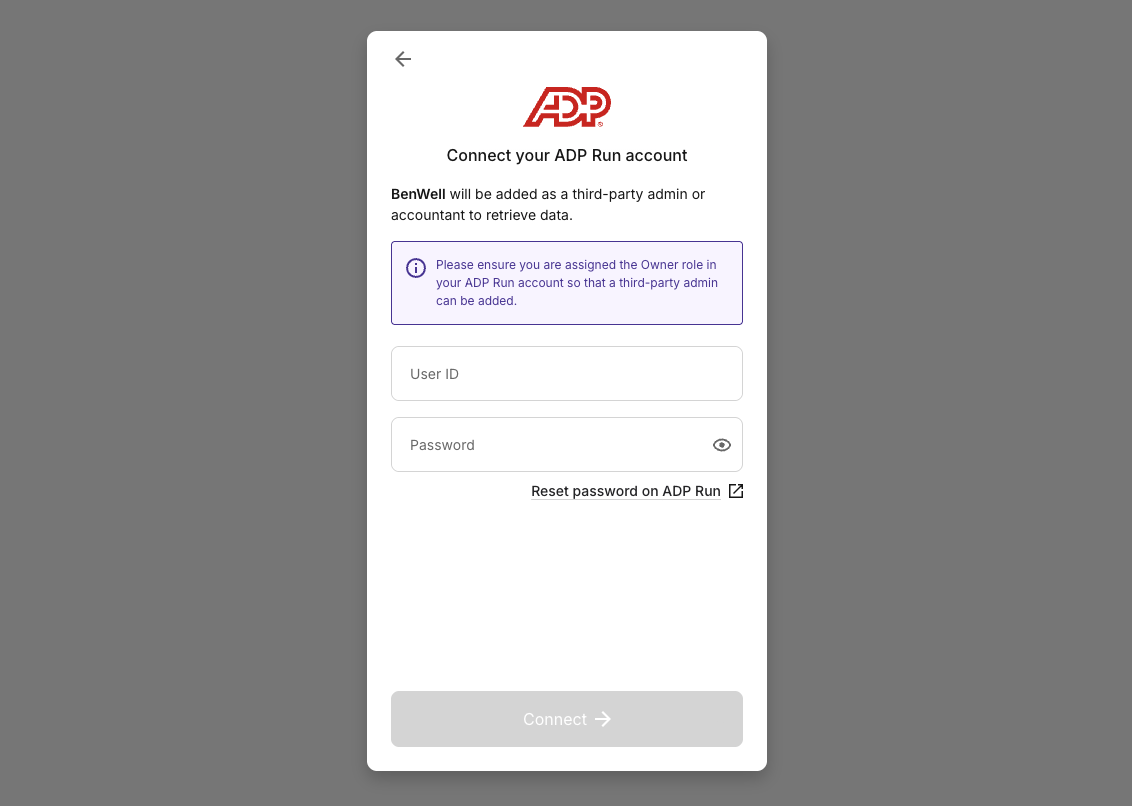
Some systems require that Finch set up a new user in your HR or payroll system. If needed, you will be notified on the provider login screen. If the user is removed, Finch will be disconnected.
Learn more about third-party admin and accountant users here.
Manual User Setup
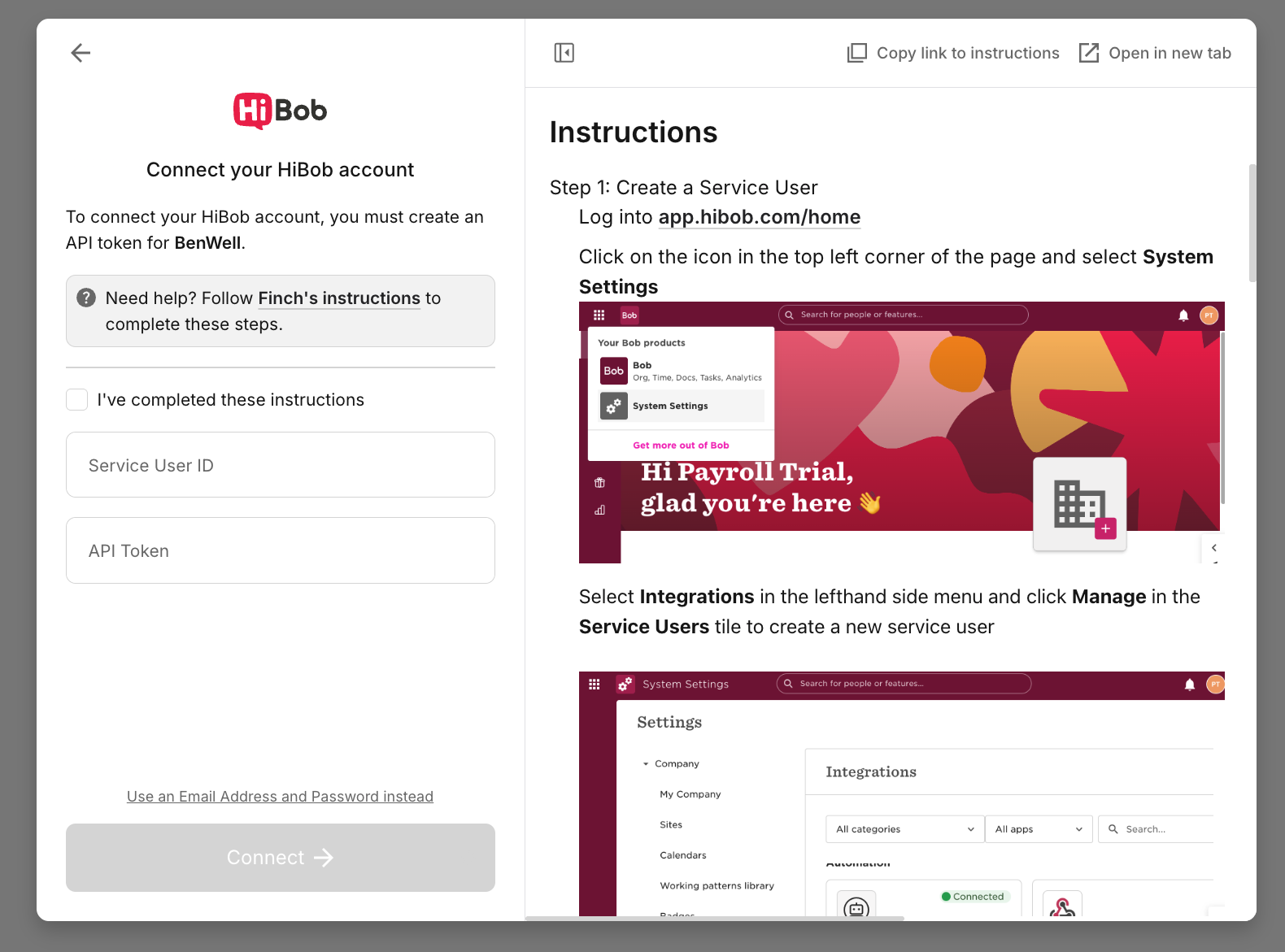
Some platforms require Finch to be added to your system as a new user manually. Depending on the system, this may be a third-party admin, accountant, account, or service user. Detailed instructions will be provided in Finch Connect based on the user type and system requirements.
Two-Step Authentication for Benefits
If you’re enabling payroll deductions or contributions, a second authentication step may be required. Be sure to complete both steps to enable this functionality.