Personio - Request API keys
Last updated: July 23, 2025
Before you start
To make a connection through provider sandbox, sign up for a Personio partner trial before executing the following steps.
Instructions
1. After logging into your account, go to Settings > API Credentials.
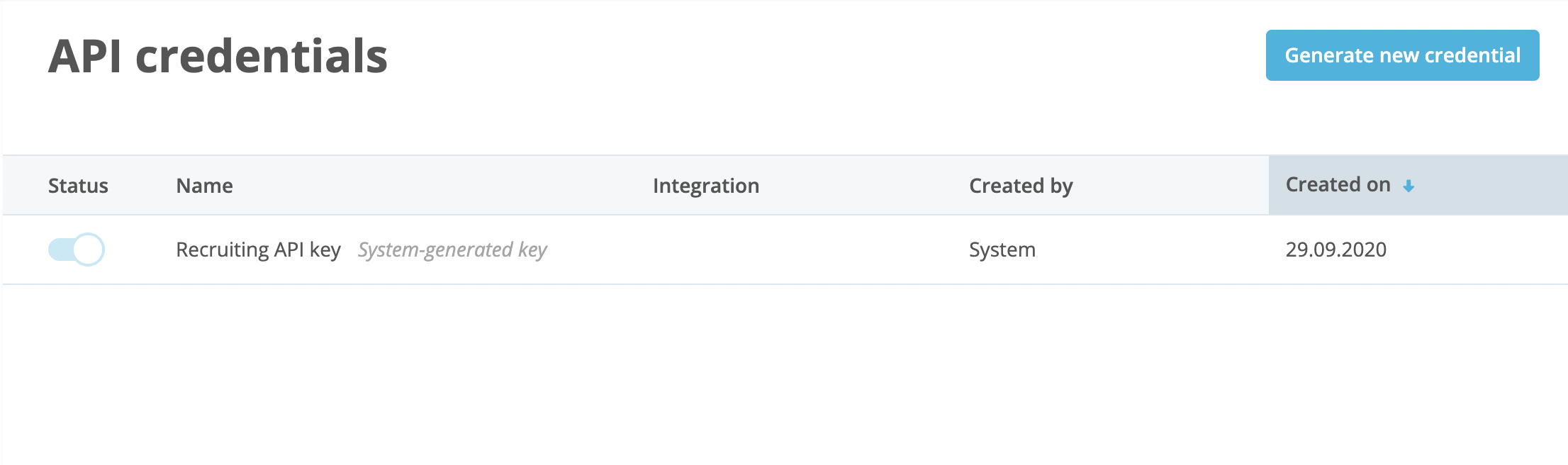
2. Click on the Generate new credential button.
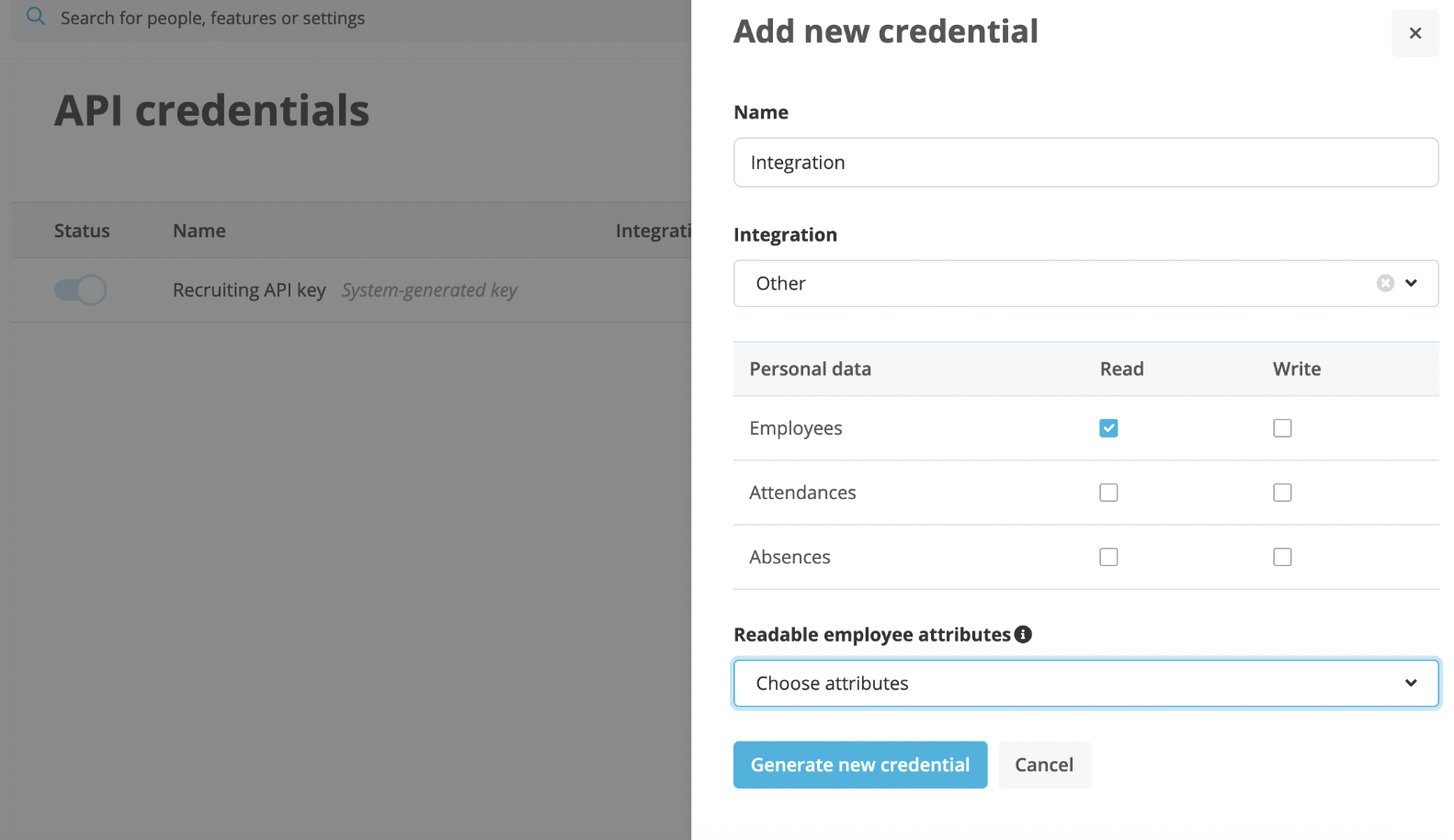
3. Define the scope of access by marking the Employee read scope to be included, and select all employee readable attributes.
4. Navigate back to the Finch Connect modal. Copy the Client ID, Client Secret, and Personio subdomain from .personio.de into the Finch connection screen.
5. Check 'I've read and completed the instructions' and click Connect.