Quickbooks - Required Permissions
Last updated: July 23, 2025
To connect your Quickbooks account to this application you must be assigned the Primary Admin or Company Admin role. Please follow the instructions below to confirm your permissions.
Instructions
1. Log into Quickbooks
2. Select the gear icon in the top right corner of the homepage
3. Select Manage Users
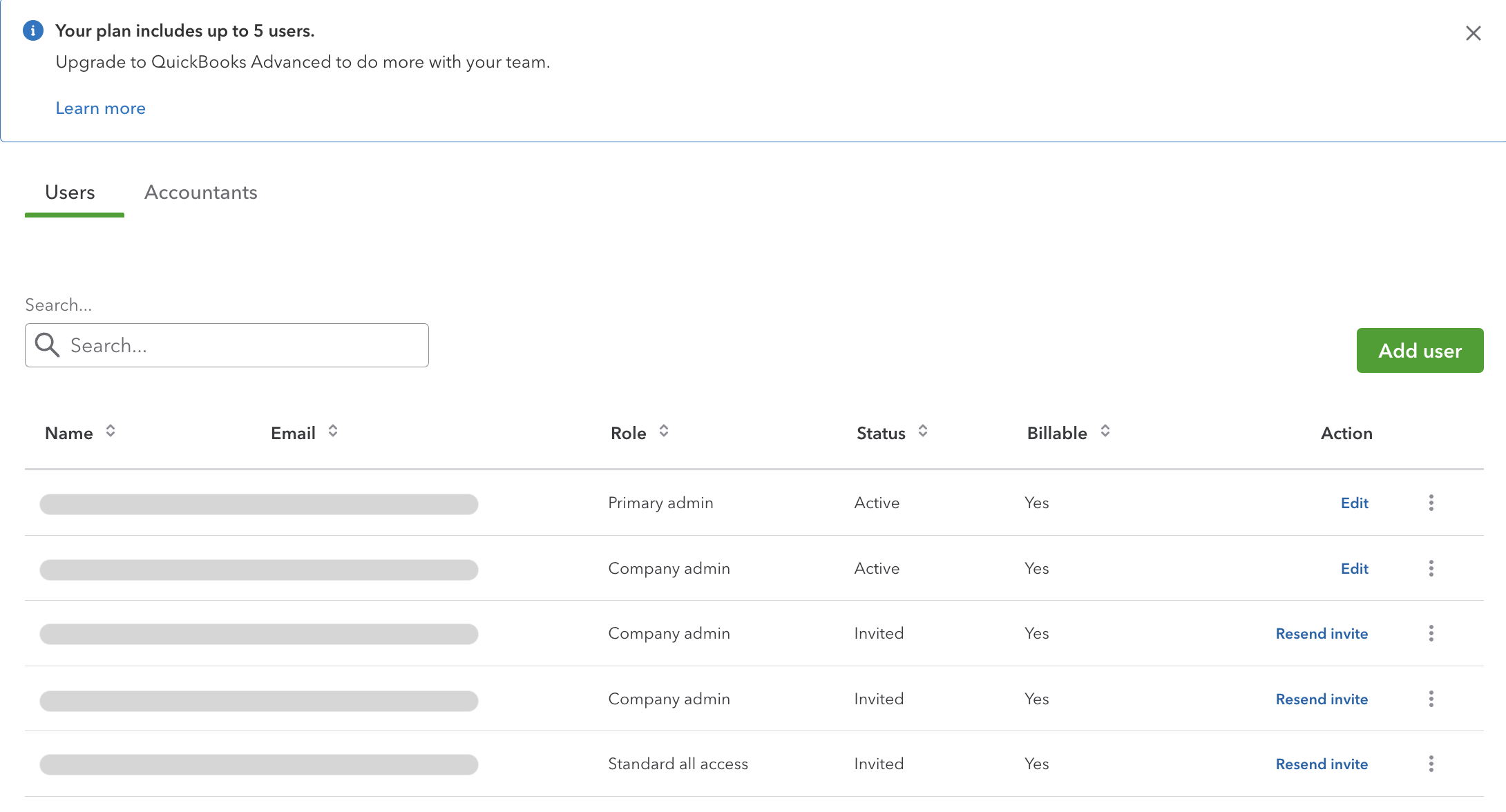
4. Ensure your user is assigned Primary Admin or Company Admin
User limits
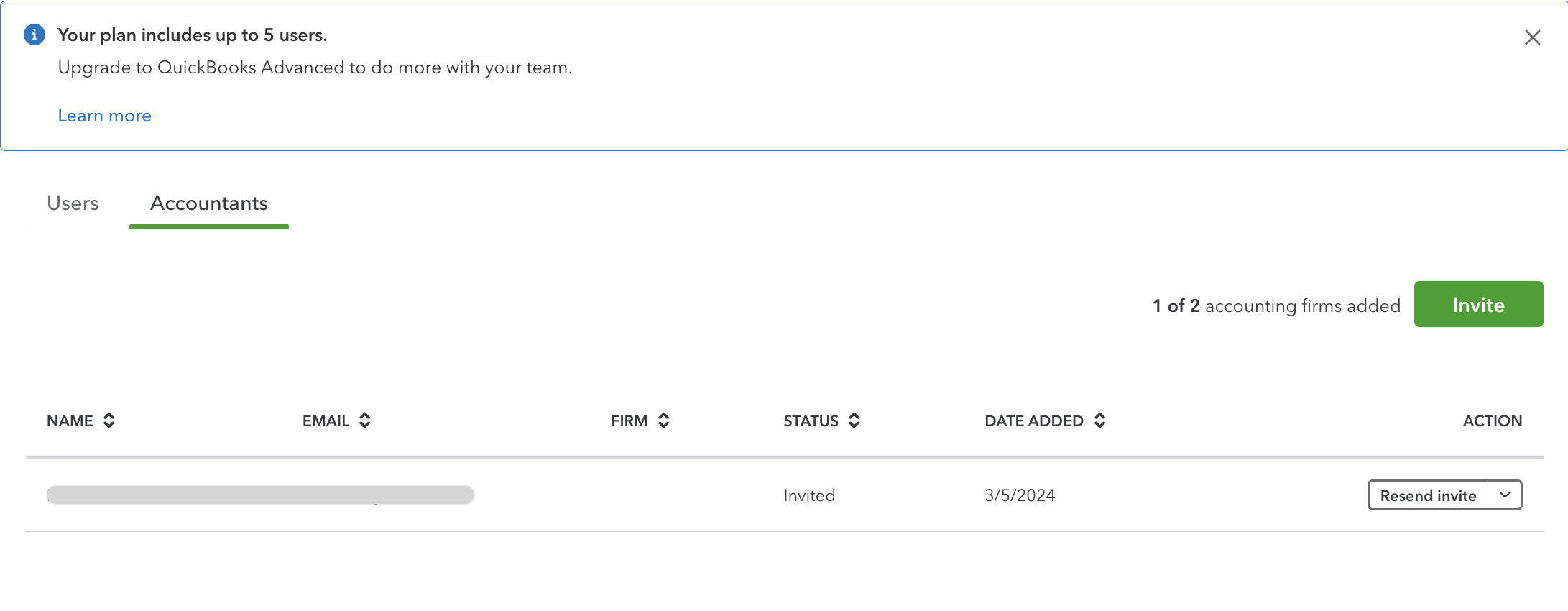
Your account must have a seat available before connecting to this application. This available seat can either be a User or an Accountant.
FAQs
💡 Where do I check my user limits and Quickbooks subscription?