Deel - Connect your account
Last updated: June 23, 2026
To connect your Deel account to this application you must follow the steps in Finch Connect to authenticate via Oauth using your Deel credentials.
Before you start
Before you begin, ensure you are an Administrator in your Deel account.
Instructions
Select Deel from the list of providers in Finch Connect.
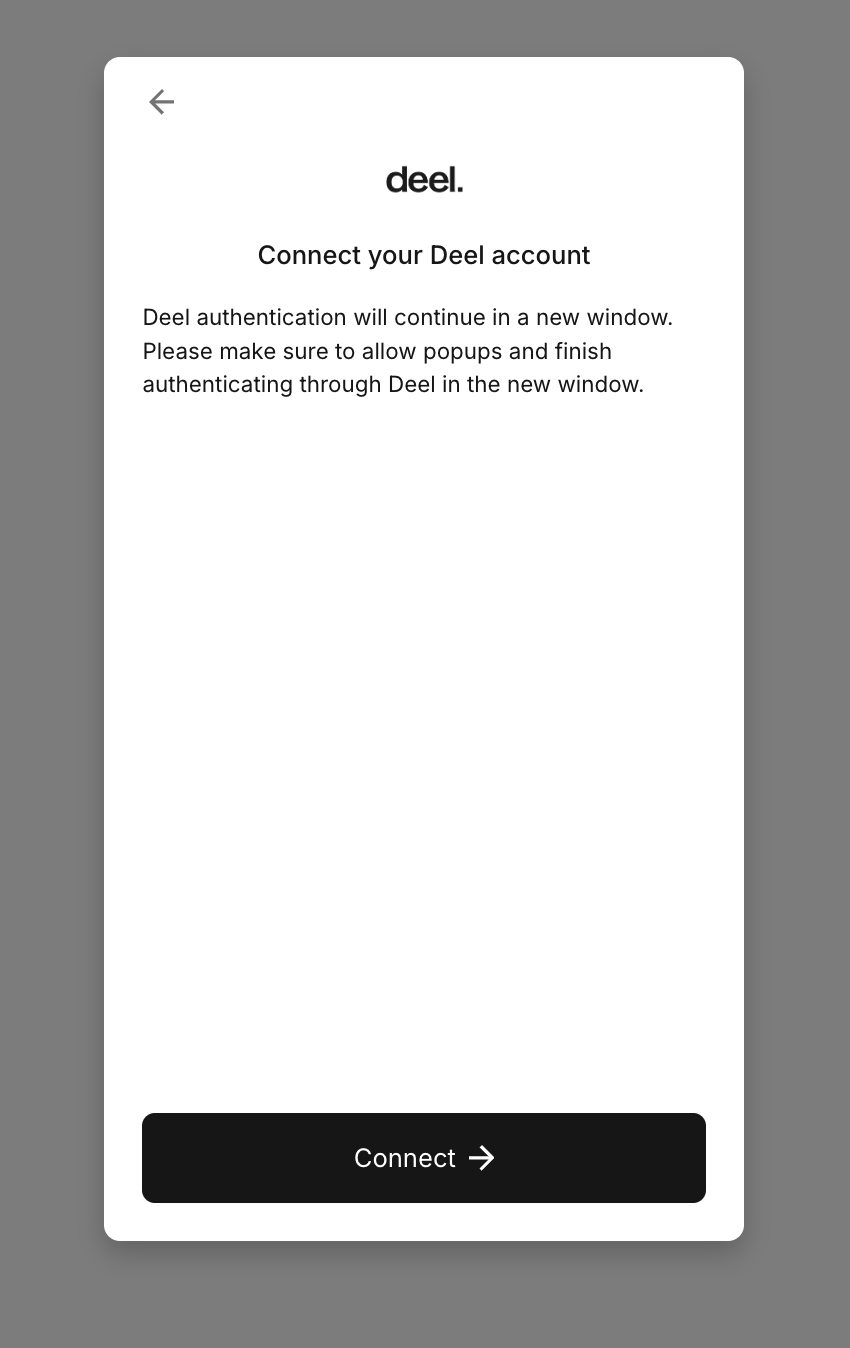
Click Connect to continue authentication at app.deel.com/login.
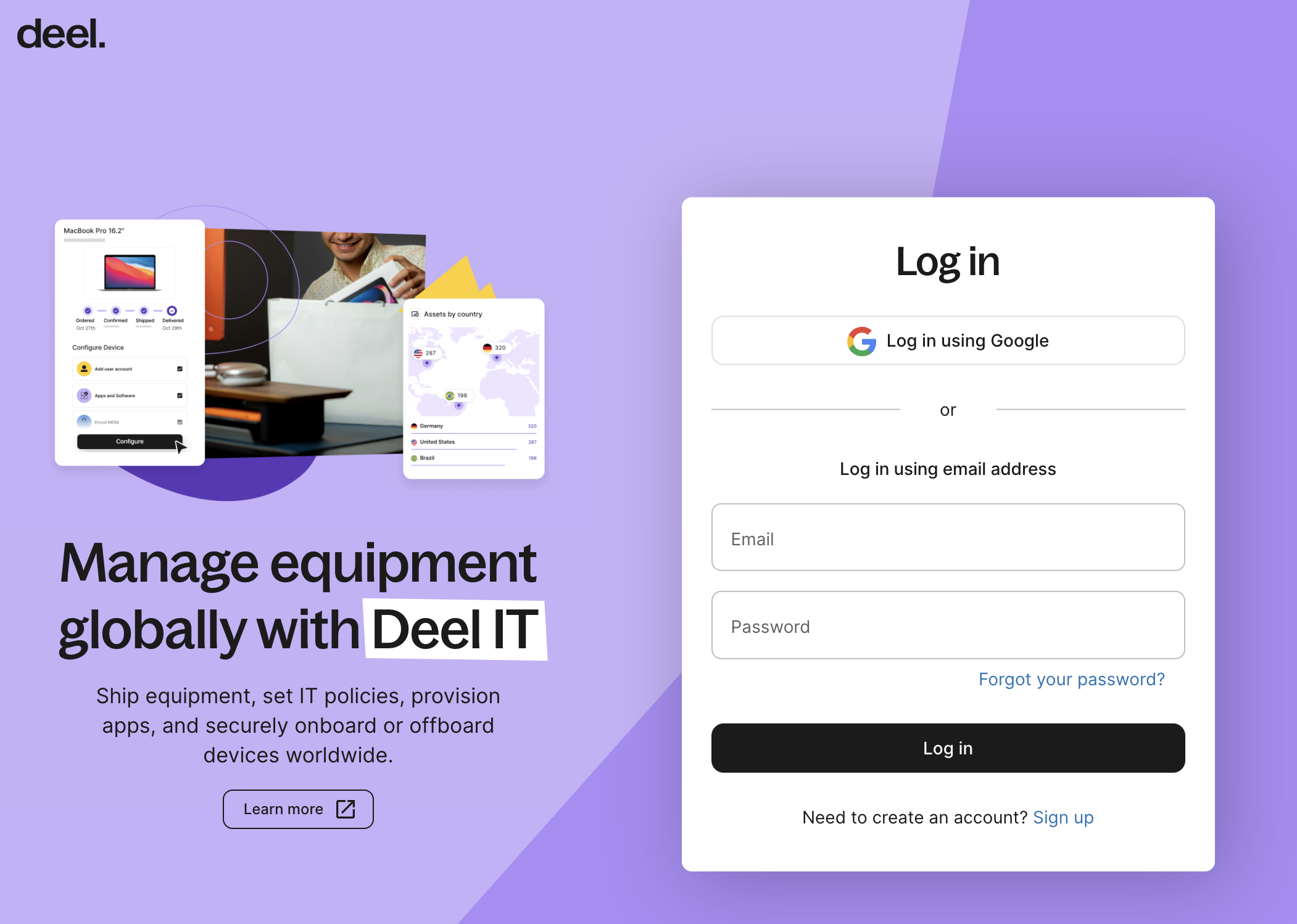
Log in using administrator account credentials.
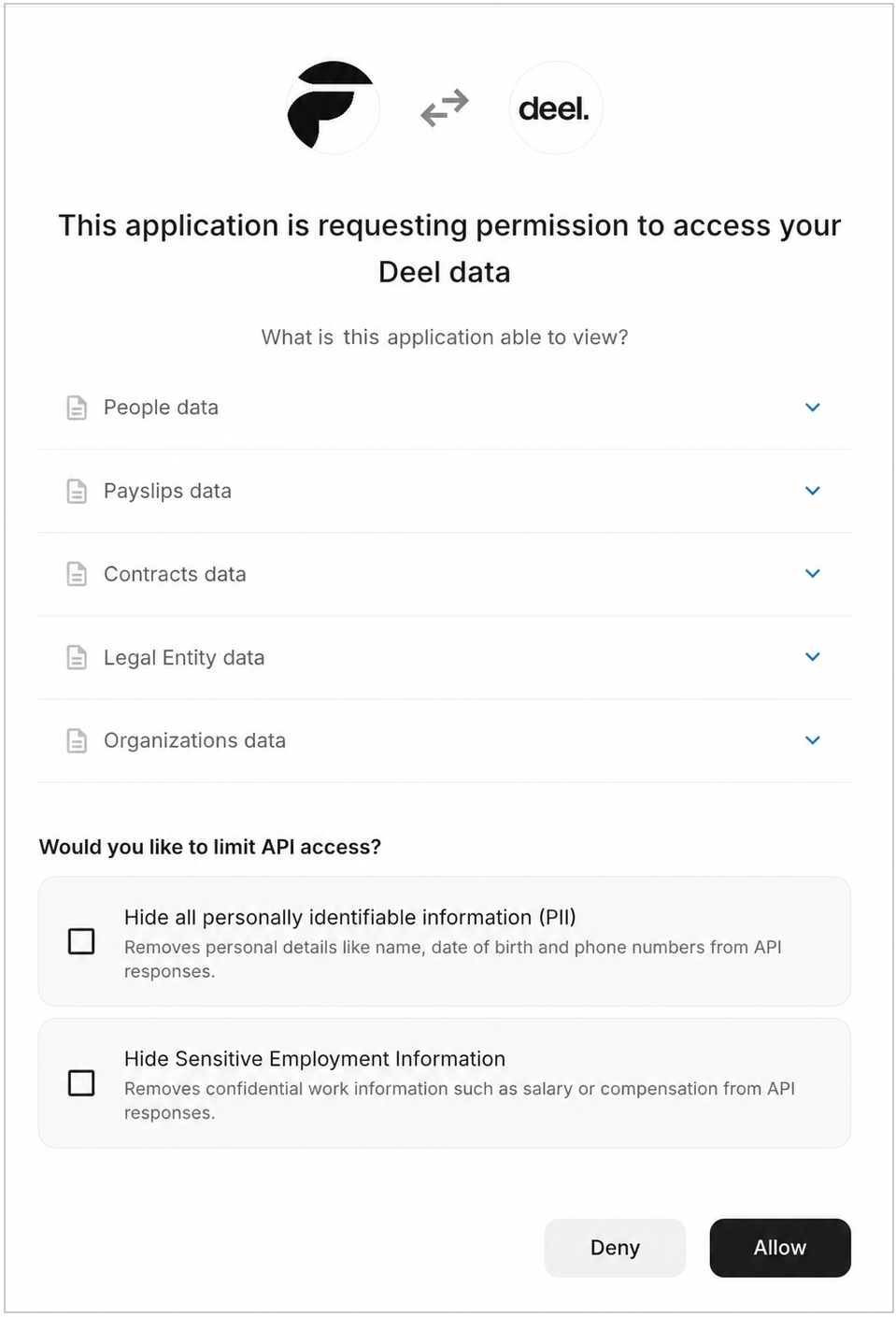
Deel will ask for permission to share data with Finch. Do not select either checkbox or your connection will fail. Click Allow.
You'll be redirected to Finch Connect and receive confirmation once your connection has succeeded.