Paylocity - Required Permissions
Last updated: April 14, 2026
To connect your Paylocity account to this application you must be assigned the Company Administrator role. Please follow the instructions below to confirm your permissions.
Instructions
1. Log into Paylocity
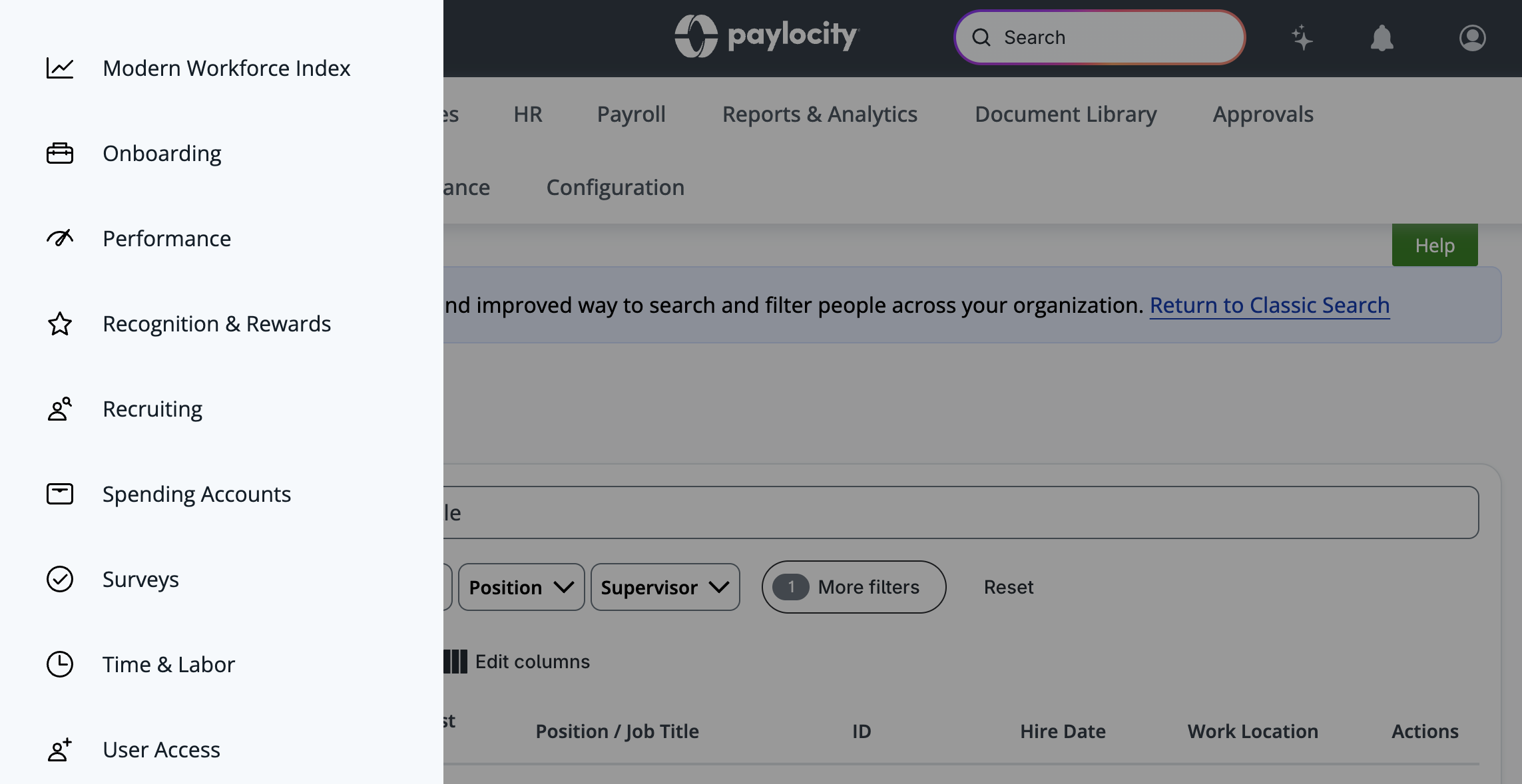
2. Open the lefthand menu and navigate to User Access > User Accounts
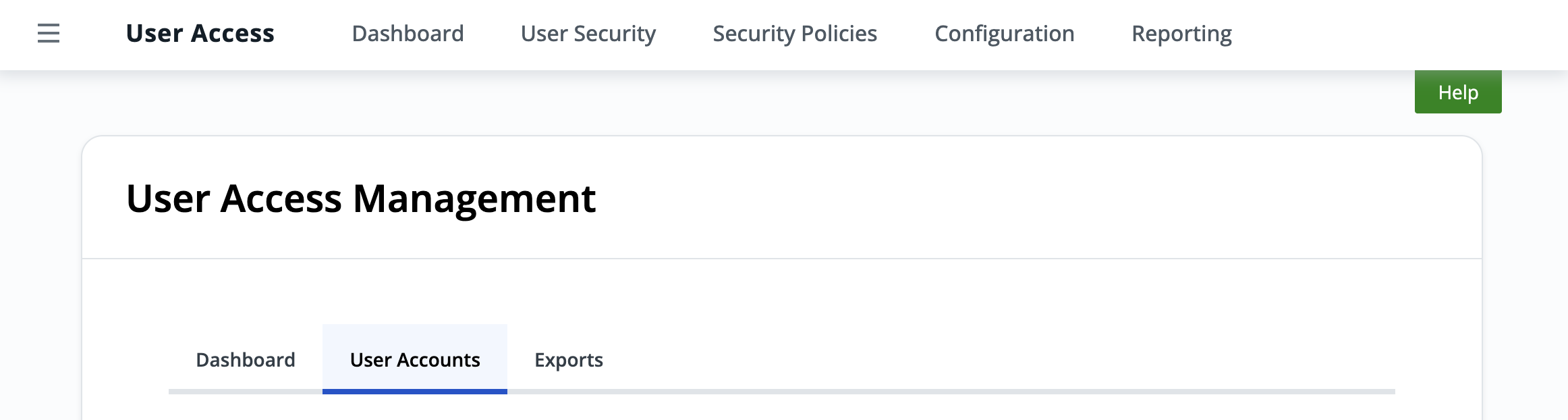
3. Search for your username in the search bar
4. Ensure the Security Group of your user is Company Administrator