Gusto - Connect your account
Last updated: November 23, 2026
Use these steps to connect your Gusto account through Finch Connect.
Before you begin: you must be an administrator on the Gusto account you are connecting.
1. In Finch Connect, select Gusto from the list of providers.
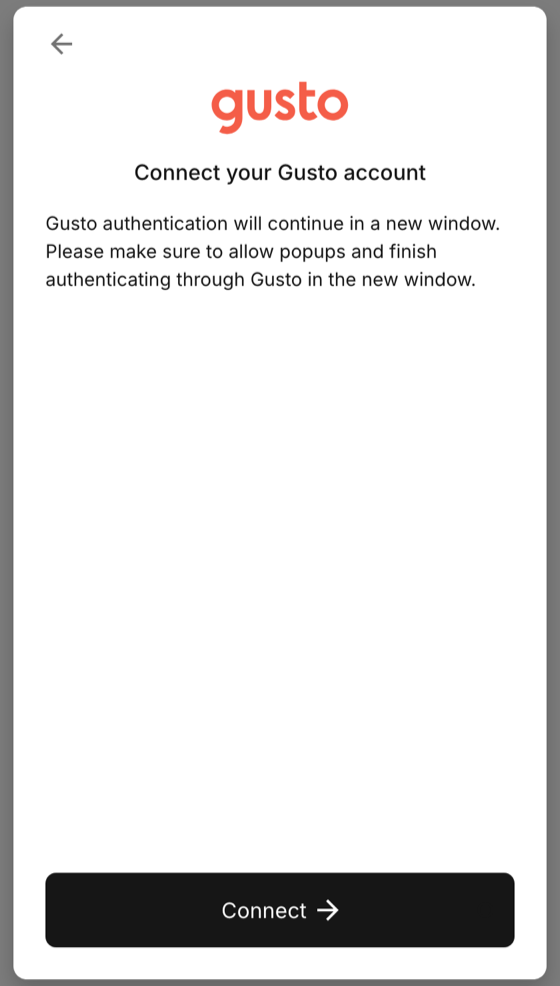
2. Click Connect. Gusto authentication continues in a new window, so make sure your browser allows popups.
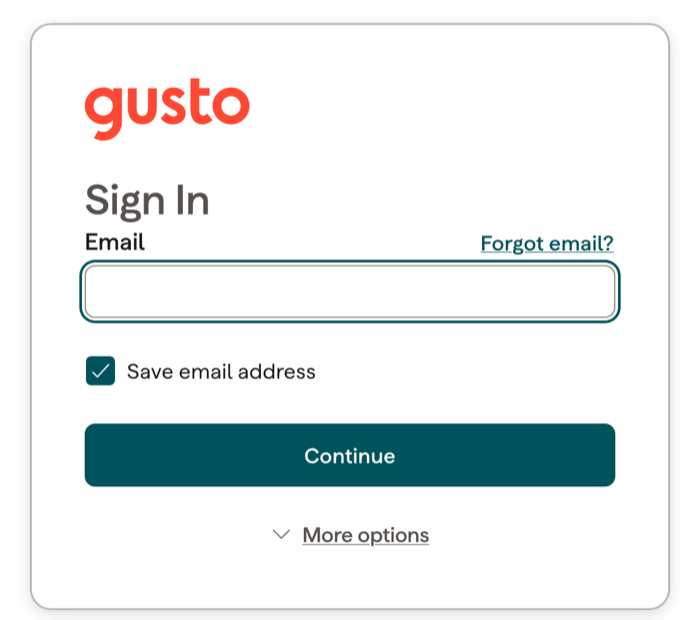
3. In the Gusto window, enter your email address and click Continue.
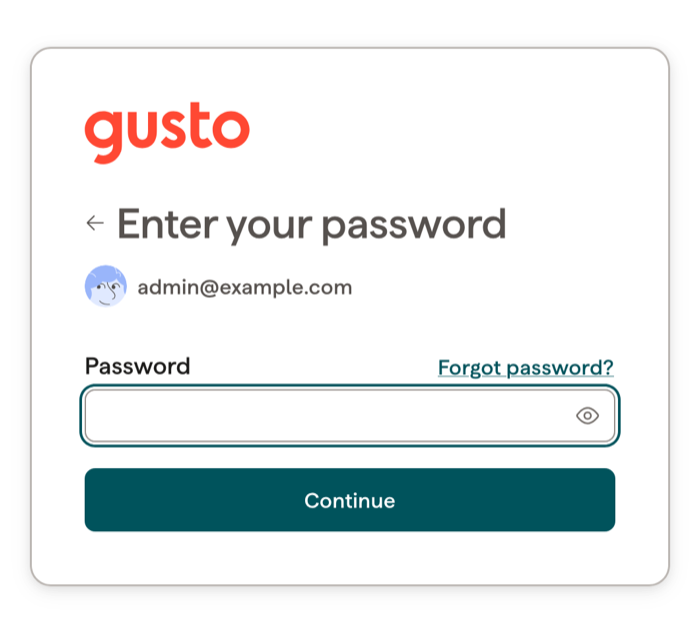
4. Enter your password and click Continue. If Gusto asks you to verify your identity (MFA), complete that step too.
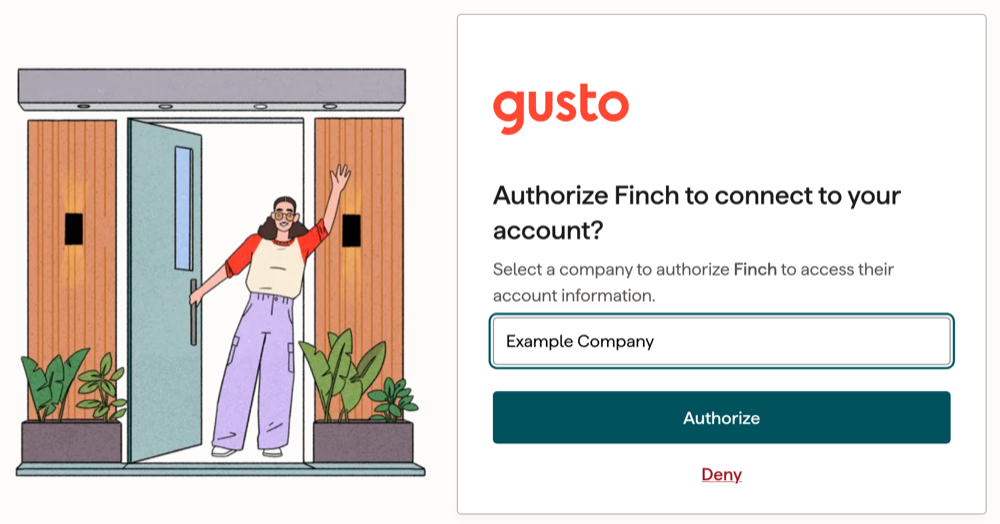
5. Select your company from the list and click Authorize.
6. The Gusto window closes and Finch Connect confirms that your account is connected.